


Football legends
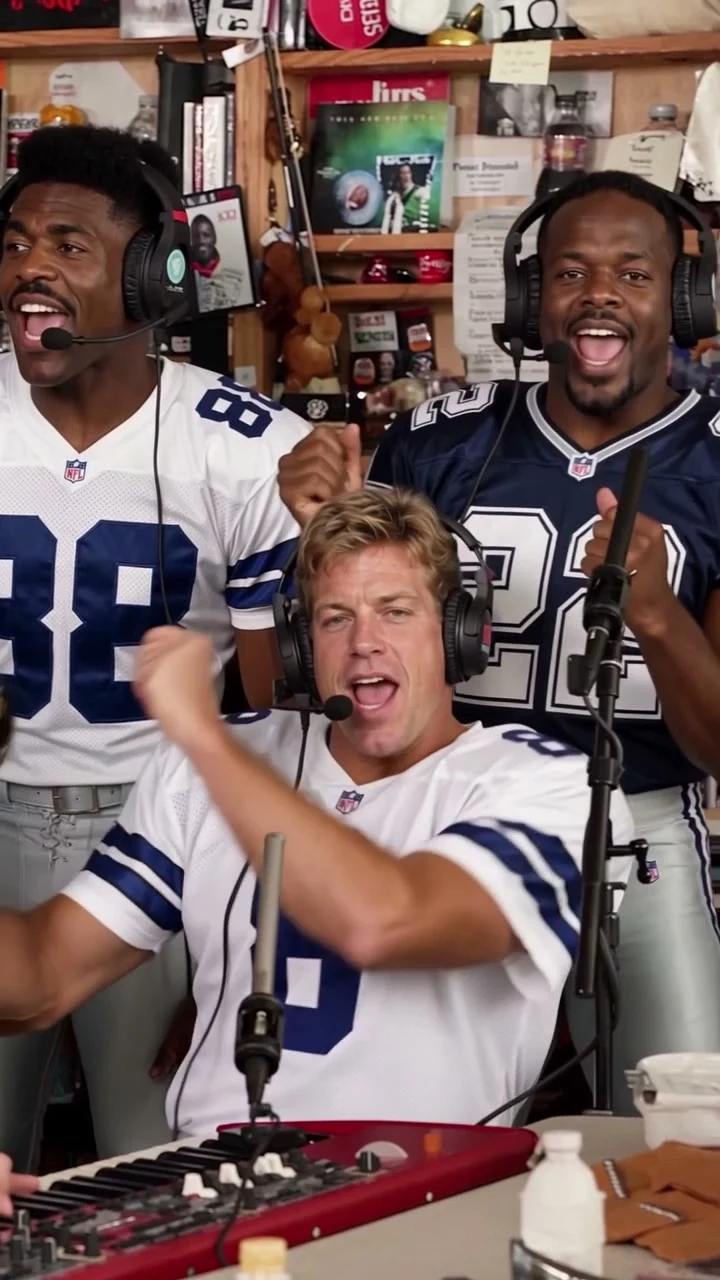
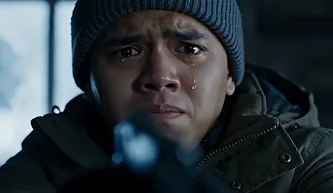
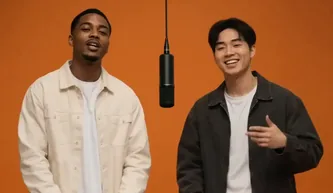
Actual video frames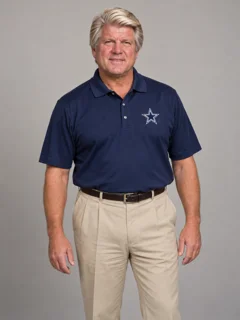
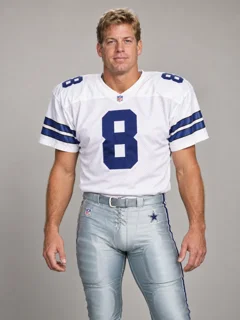
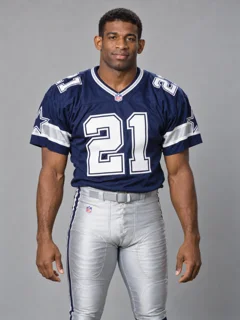
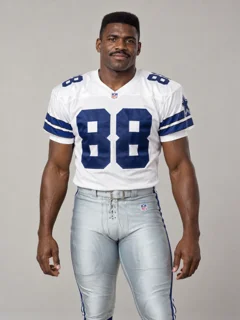
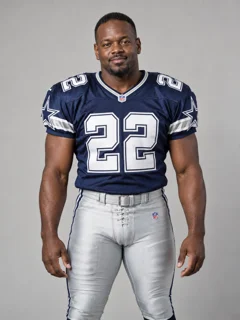
Uploaded photos
Generated video
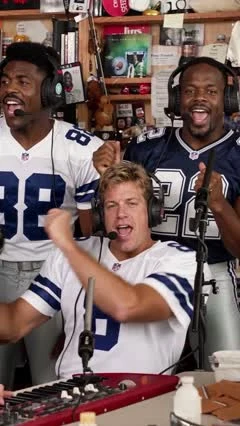
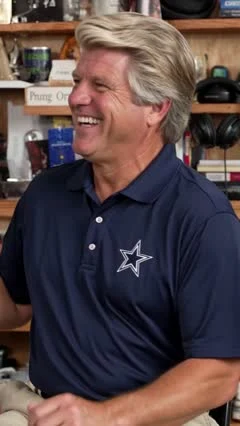
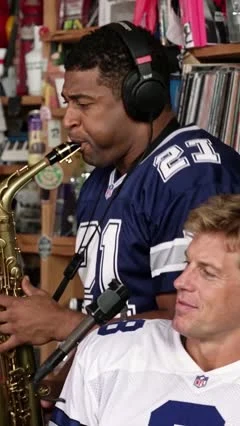
Your face. Your friends. Your Tiny Desk moment.
The faces. The reactions. The sax solo.
Watch the original, football legends, and tech leaders perform side by side, in sync.
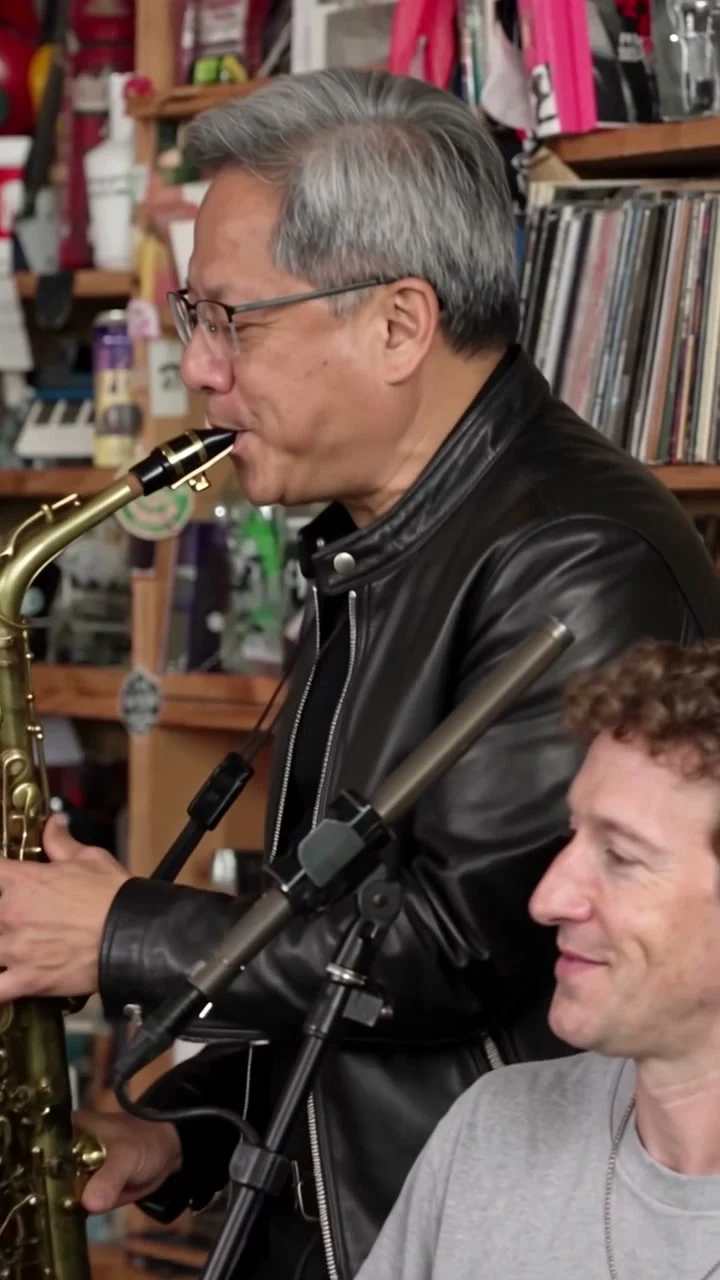
AI-generated parody examples. Original video shown for comparison. One shared soundtrack.
Actual upload portraits and frames from the two generated videos.
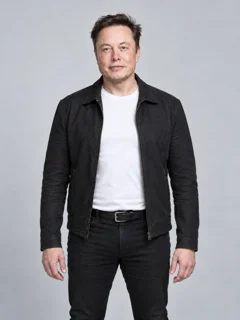
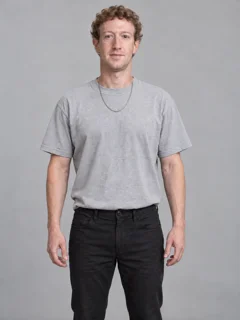
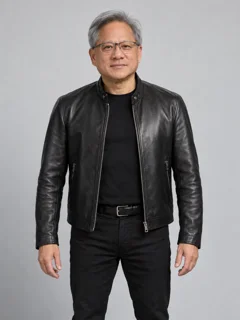
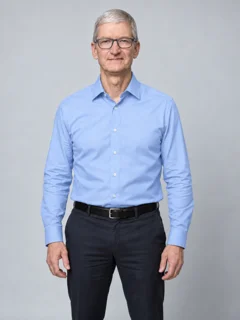
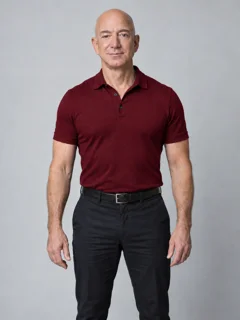
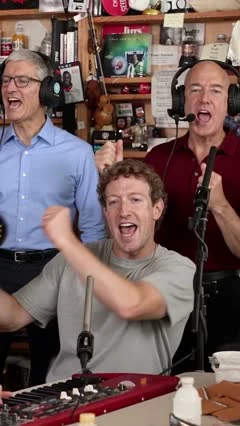
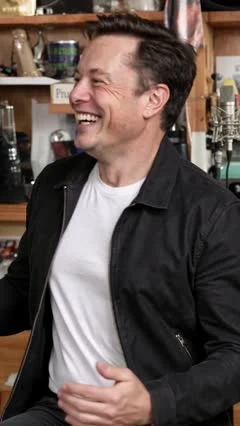
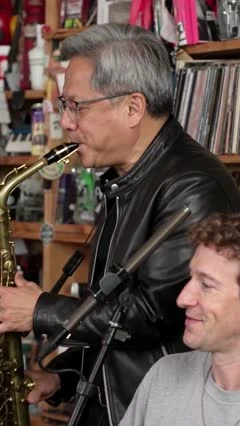
The little concert with a big personality
The idea is simple: turn familiar faces into the stars of an intimate desk-side performance. The fun is seeing someone you know suddenly looking right at home behind the mic.
Bring that playful concert energy to a personal AI video, with a lead singer and friends in the band.
See how it works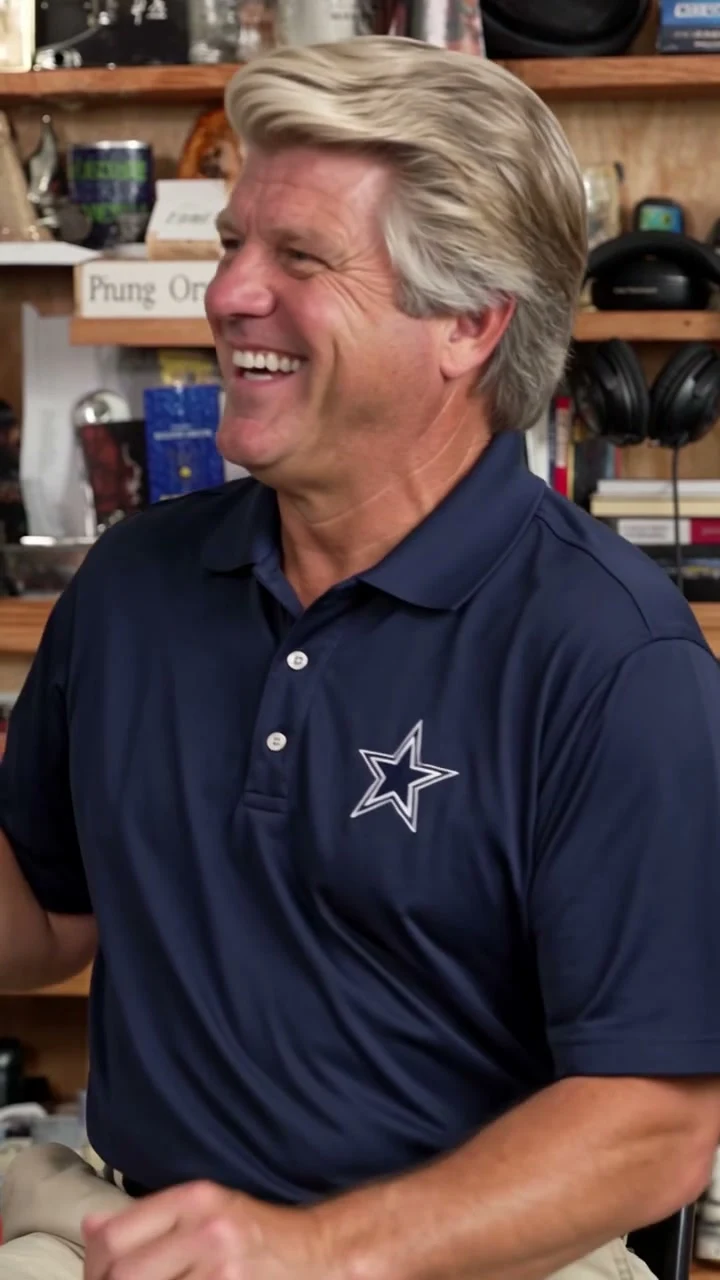
Take the stage in three steps
Pick your cast. Find your moment. Make it yours.
Use a clear photo with a visible face. Waist-up photos work best; headshots are also accepted. We crop the upper body when space allows.
Continue to the video editor with your photos. Review the available template, settings, and credits before generating.
Preview your finished video, then download it for your next story, Reel, or group-chat surprise.
Who gets the mic?
Actual video frames
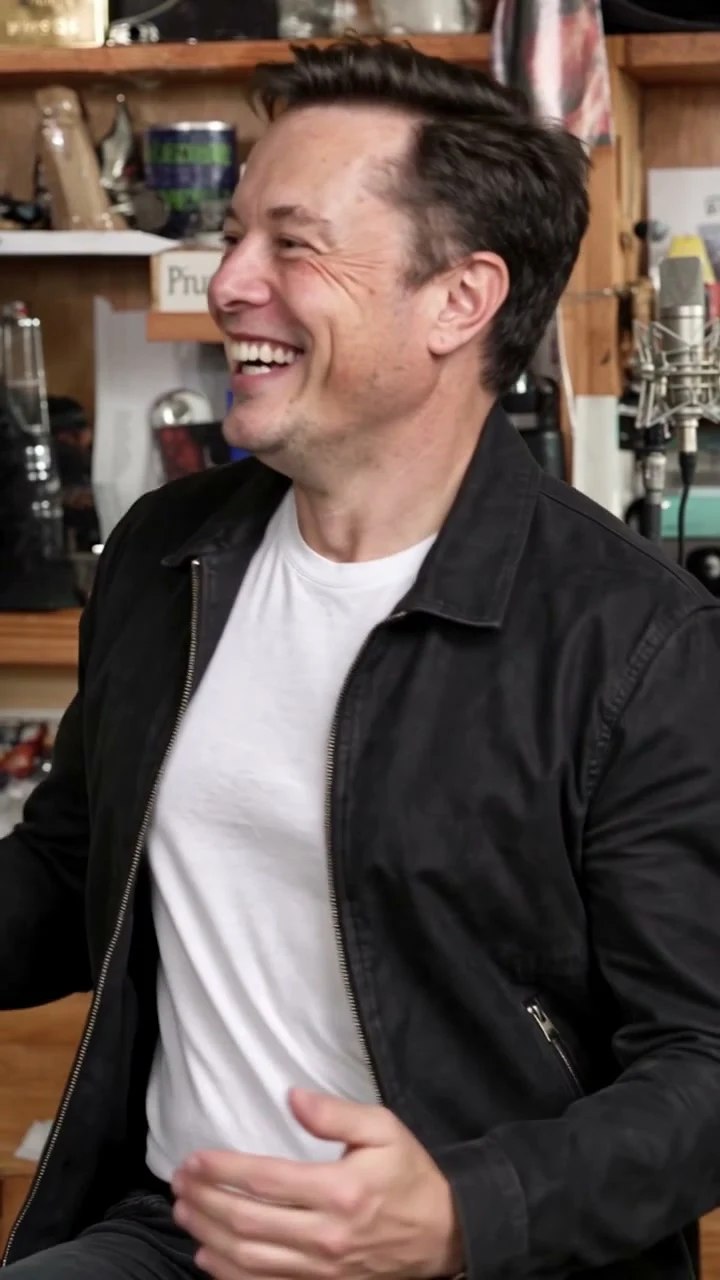 YOUR SOLO DEBUT
Give your waist-up portrait a completely different kind of spotlight.
Try this ideaA BIRTHDAY ENCORE
Trade the usual birthday message for a performance with them as the star.
Try this idea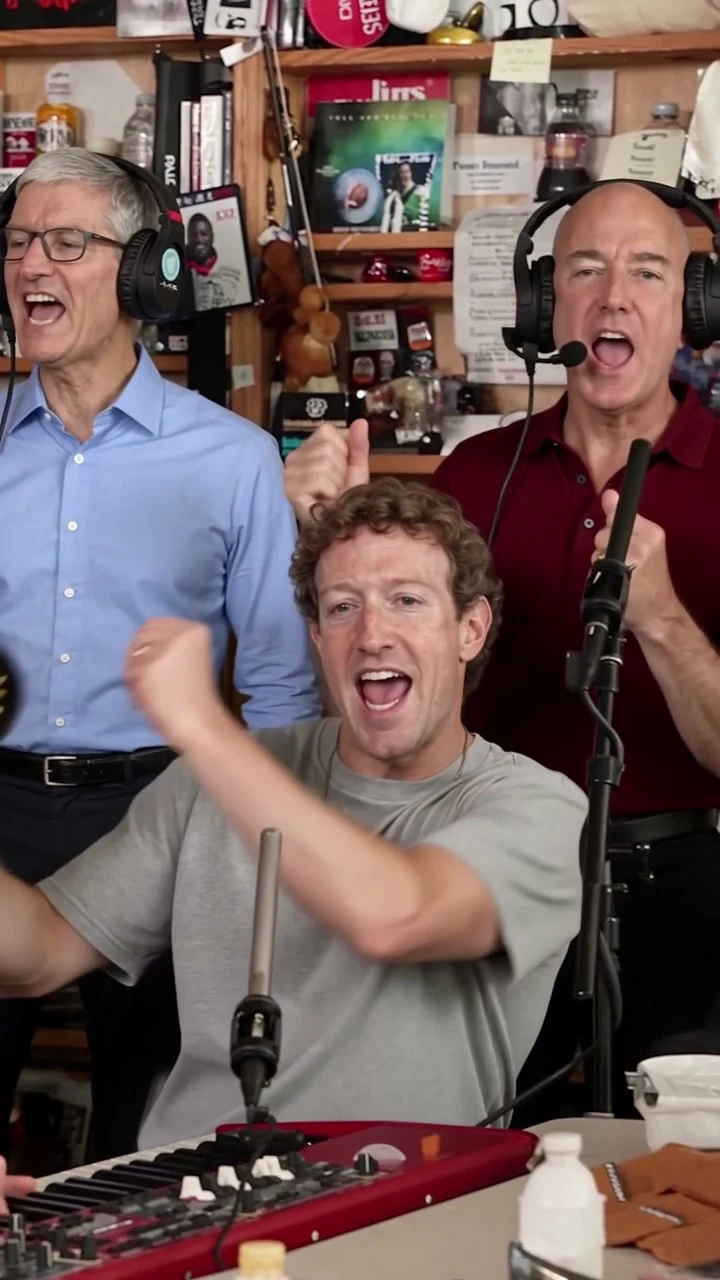 THE GROUP CHAT BAND
You take the lead. Bring your friends into the band and give everyone a moment.
Try this ideaA better photo is a better start
A few small checks before you upload.
Include the head, shoulders, and waist when possible. Headshots are welcome too; a visible face is all you need.
A sharp, front-facing photo gives the AI more detail to work with.
Avoid sunglasses, heavy filters, stickers, and anything hiding your features.
The mic is yours
Create your own Tiny Desk AI video. Start with a face you know.
Make My Tiny Desk Video








Tiny Desk AI video FAQs
Can I start with just one photo?
Can I add friends as other band members?
What format should I use?
Is it free to try?
Does it include the “Outstanding” song?
How long does generation take?
How are my photos used?
Is this affiliated with NPR or Tiny Desk?