






How to Remove a Background from an Image
Remove an image background in three simple steps, then
download or continue editing your result.
 Upload Your Image
Upload the photo whose background you want to remove.
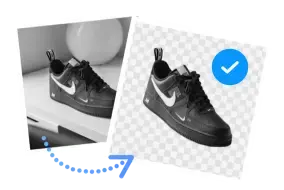
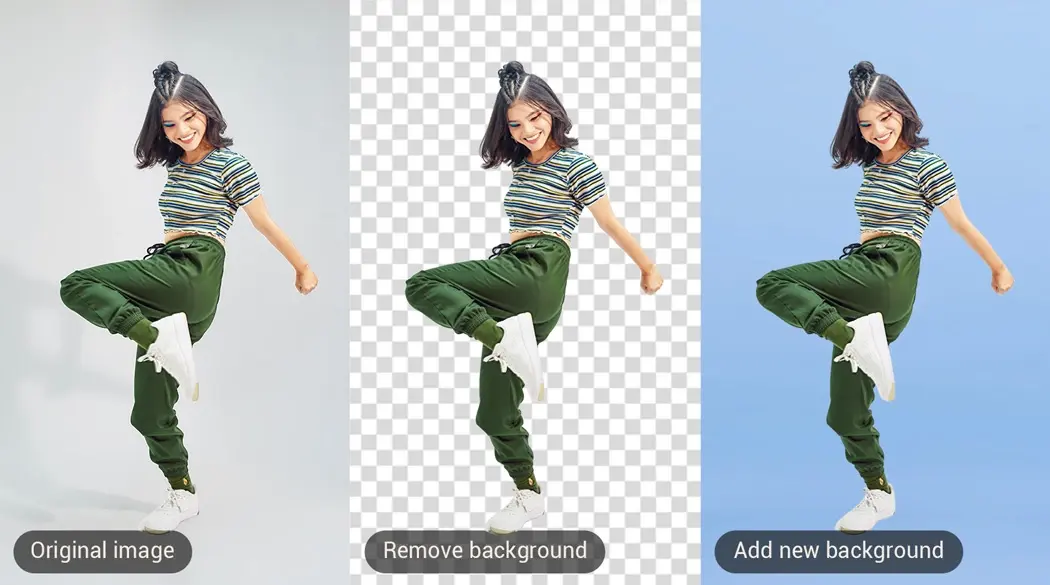
 Remove the Background
Picsman automatically detects the main subject and removes
the image background.

 Edit and Download
Keep the background transparent, replace it with a color
or image, and download the result.

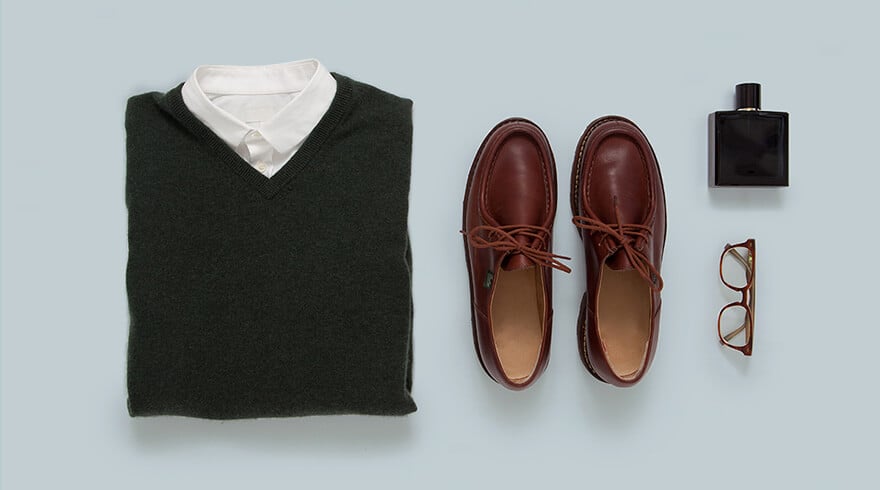
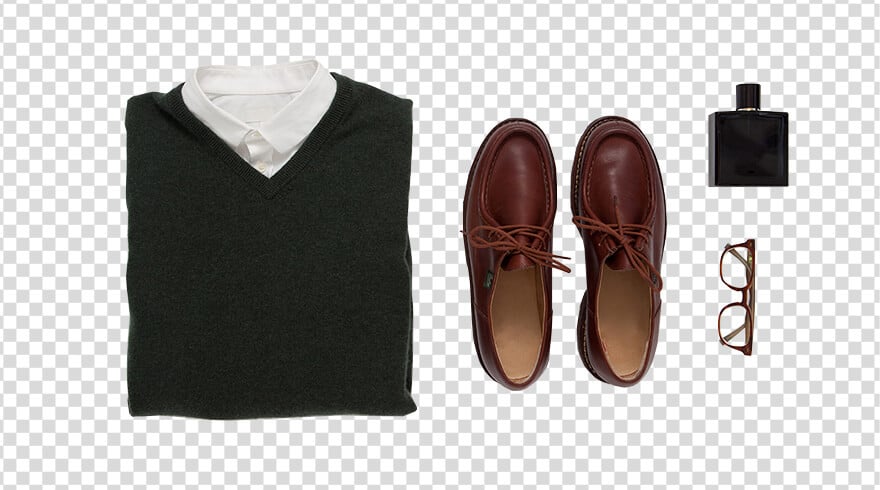
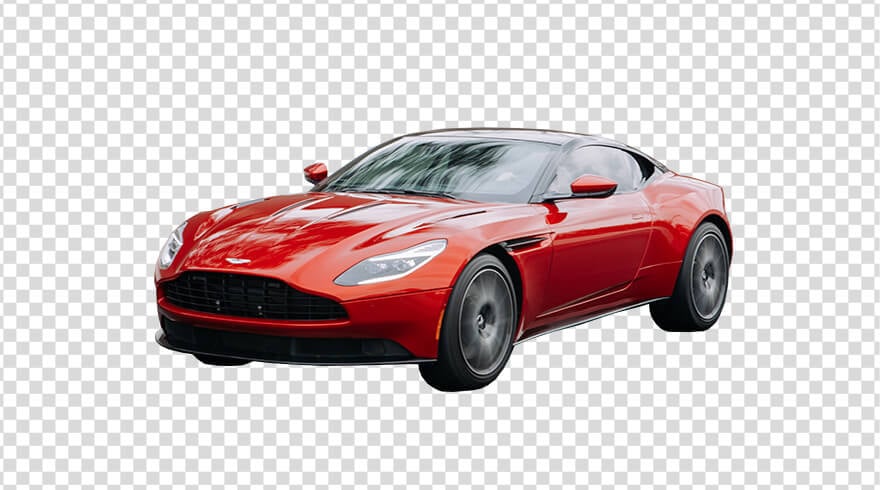
Picsman Background Remover handles any image
Uploading an image gives you a smooth & clear cutout, and
our AI can handle hair, fur, or any complex edges to save you
time
People
Product
Car
Animal
Graphic




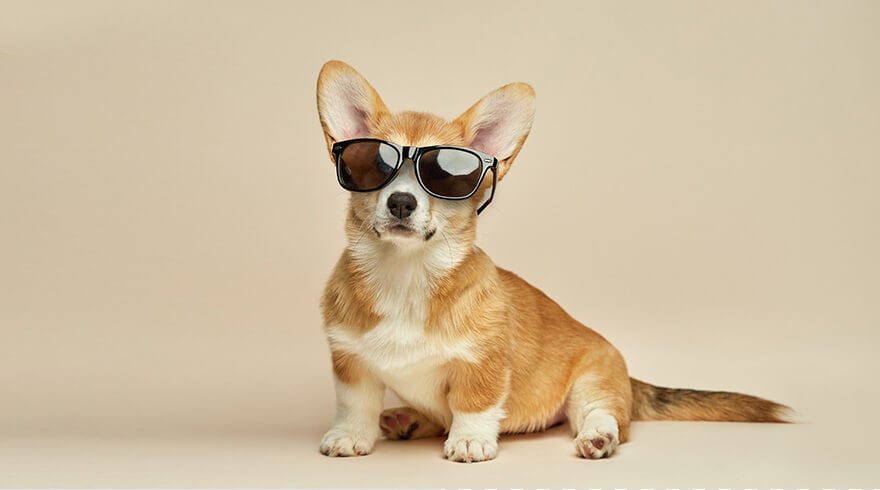
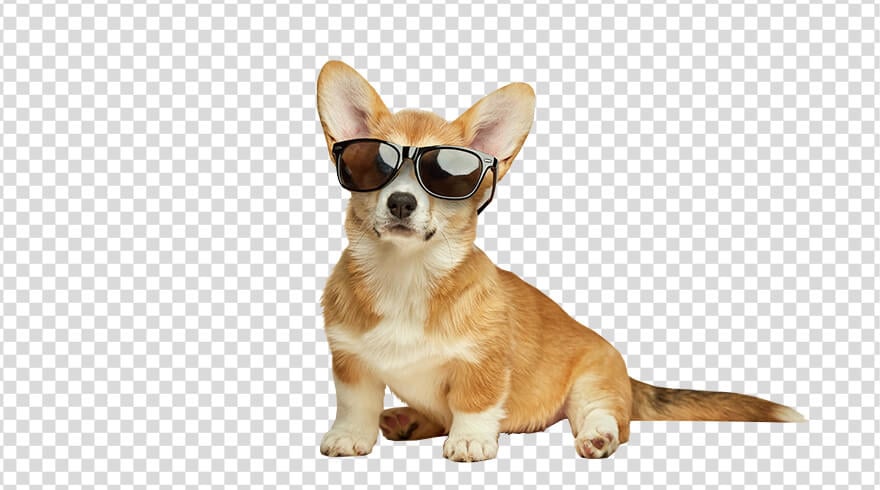


A powerful and free online background remover
Picsman can automatically remove the background of your images
and easily change the background of your photos
Automatically remove background from images with one click
Worry about the complicated operation of editing software?
Picsman's free background remover can help! Just upload
your image and with one click, you can make transparent
images easier than ever before!
All you need to do is to upload your image, and our
powerful AI will instantly detect the subject, accurately
show you how to delete the background of an image, and
give you a clean and professional result—no manual work is
needed. No skills, no stress—just effortless, high-quality
results at your fingertips!

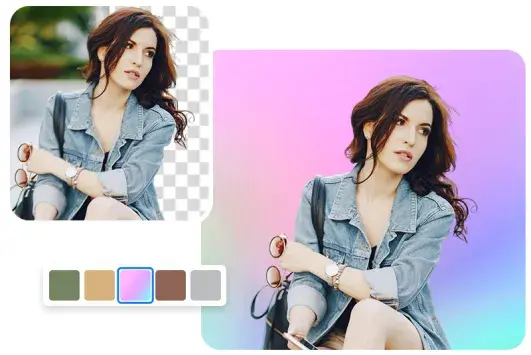
Remove BG and change photo background color
With our Picsman's AI BG Remover, you can do more than
just make your background transparent. After removing the
background from your photo, you can easily change it to
black and white background or any other color of your
choice.
Solid and gradient color backgrounds are perfect for a
charming photo without distracting from the main subject
of your photo. Best of all, you can do this without
switching to another editor—Picsman makes it simple and
efficient.
Create beautiful backgrounds with AI Background Generator
Why settle for a plain background when you can have
something truly stunning? After removing the background
from your photo, let Picsman's Background Generator works
its magic!
AI Background Maker can create dozens of realistic,
high-quality backgrounds instantly tailored to your
needs—whether it's a sleek studio setting, a vibrant
outdoor scene, or a trendy modern backdrop. Perfect for
professional-looking product photography, social media
content, or creative designs, this tool allows you to
create stunning images without stepping into a real
studio.

Hundreds of design templates to create cool product posters
Take your images to the next level with our extensive
backgrounds, templates, and design assets!
Whether you're creating appealing flyers, posts, posters,
or anything else, Picsman can make customization
effortless. Swap backgrounds, change colors, or upload
your own images to create a unique look. No design skills
are required—just a few clicks, and you're ready to go!

Batch remove backgrounds from large numbers of photos
Streamline your workflow with Picsman's powerful batch
background removal tool. Say goodbye to tedious,
one-by-one editing. Remove backgrounds from multiple
images at once, download high-quality transparent PNGs, or
swap in new backgrounds and templates in batches to
achieve a consistent, professional look.
Whether you're working on product listings, marketing
materials, or creative projects, Picsman makes bulk
editing a breeze. No hassle, no waiting—done in seconds!

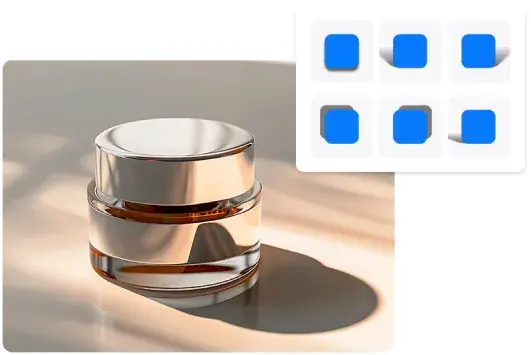
Add shadow to image to make product photos stand out
Make your images even more eye-catching by adding depth
and realism to your product photos. Picsman's shadow
feature lets you create soft, hard, floating, or 3D
shadows with just one click.
No expensive photo studio or complicated lighting setup is
needed—Picsman’s AI-powered tool ensures
professional-grade results every time. Elevate your images
with a touch of realism and sophistication.
They Love Creating with Picsman
They Love Creating with Picsman

Mary

Fast and accurate background removal
Picsman makes it easy to remove backgrounds from photos
in seconds. The AI background remover creates a clean
cutout around detailed edges, saving me a lot of manual
editing time. I can quickly download the result as a
transparent PNG and use it in my design projects.

Jennifer
Easy to remove and change photo backgrounds
I use Picsman to remove unwanted backgrounds and give my
photos a fresh, professional look. After the background
is removed, I can make it transparent, change the
background color, or choose a new background without
switching to another photo editor.

James
A useful background remover for product photos
Picsman helps me create clean product images without
spending time cutting out the subject manually. I can
remove the image background, preserve detailed edges,
and download a transparent PNG for product listings,
marketing materials, and other design projects.
More useful tools from Picsman
More useful tools from Picsman






Get Picsman APP now
Download our mobile app and enjoy editing photos on the go —
anytime, anywhere.




All-in-one photo editor with powerful AI. Contact us:
support@picsman.ai


Free Tools

Copyright © PICSMAN INC.
Terms of Use
|
Privacy Policy
|
Billing Policy
|
Cookie Policy

English

FAQs About Picsman’s Background Removal
1.How do I remove the background from an image?
2.Is Picsman’s background remover free?
3.Can I download the result with a transparent background?
4.Which image formats does Picsman support?
5.Can Picsman remove backgrounds around hair and fur?
6.Can I remove backgrounds from multiple images?