Write a short prompt describing a scene, style, or action,
and the system automatically builds a video sequence. Ideal
for quick storytelling, concept previews, and turning
written ideas into visual scenes
All-in-One AI Video Generator for Any Input Type
Create videos from text, images, or existing clips in a single
workflow. This flexible tool helps transform different media
inputs into engaging motion content for marketing,
presentations, or creative projects
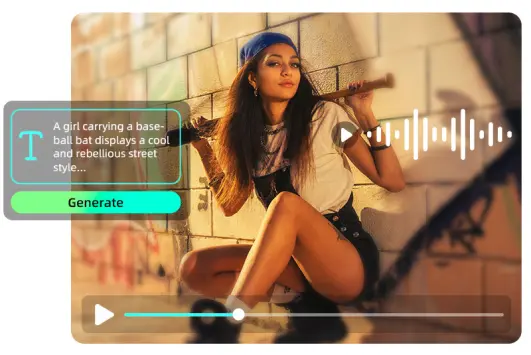
Text to Video AI: Generate Videos from Simple Prompts
Turn written ideas into engaging videos within seconds.
With an advanced ai video generator, you can describe
scenes, actions, or styles and instantly see them
animated. This powerful text to video ai workflow makes
storytelling simple, whether you're creating short clips,
concept demos, or content for commercial video production
without complex editing tools.
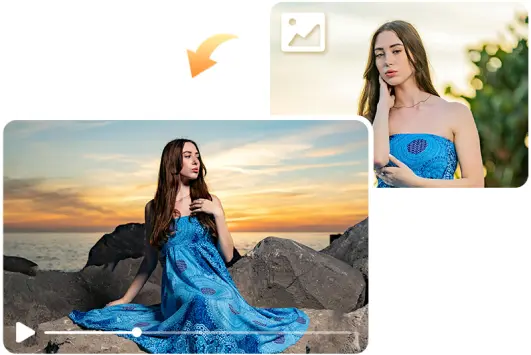
Image to Video: Bring Still Images to Life Instantly
Convert photos, artwork, or illustrations into animated
clips using image to video ai. The system analyzes
composition, subjects, and lighting to generate movement
that adds depth and storytelling to static visuals. With a
versatile ai image to video generator, you can create
engaging motion content for social posts, presentations,
or ads using a free ai image to video generator workflow.
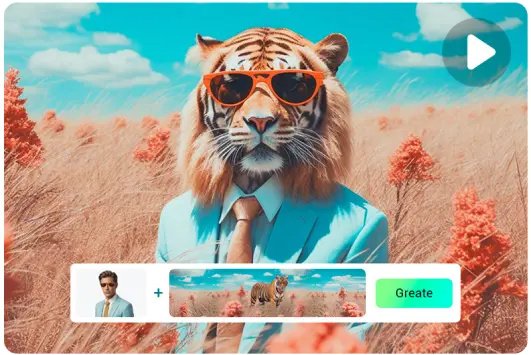
Video to Video: Transform and Restyle Any Footage
Upload existing clips and explore new visual styles,
effects, and atmospheres through video to video ai. This
workflow allows creators to reinterpret footage without
reshooting, making it useful for experiments, remixes, or
fast iterations. Modern ai video generation models help
produce alternative looks and moods for content creation.
AI Video Generator for Fast Creation with Smart Workflows
Speed up video production with streamlined steps and guided
tools. Quickly generate content, experiment with styles, and
produce ready-to-use clips without complex editing or
time-consuming setup
Powerful AI Video Generation Models
Built on advanced technology, this ai video generator
turns ideas into dynamic clips with speed and precision.
It supports flexible creation styles and offers the best
setup for ai video generation for creators exploring new
visual concepts.
Ready-made Video Workflows
Start creating quickly with guided templates and
simplified steps. The workflow helps users generate themed
clips, including creative experiments like an ai kissing
video generator, without complex editing or technical
setup.
I uploaded a few images and the AI transformed them into
a dynamic video with motion and transitions. It feels
like my photos came to life. Perfect for social media
posts and storytelling projects.
Zack
Fast Content Creation
As someone who creates content regularly, this tool
saves a lot of time. I can generate videos from text or
clips instantly, and the results look polished enough
for sharing online or in presentations.
Neil
Great for Storytelling
I used this tool to turn a small script into a short
video, and it worked beautifully. The scenes flowed
naturally and the visuals matched the prompt well. A
fantastic way to visualize ideas quickly.
FAQs About Picsman’s Video Watermark Removal
1. What is an AI video generator?
Picsman's AI video generator uses advanced AI to create
or enhance videos from text descriptions, image
references, or video footage. It enables anyone to
produce high-quality videos without expensive equipment,
actors, or professional editing skills.
2. How do I make AI-generated videos?
Picsman supports AI-driven text-to-video,
image-to-video, and video-to-video generation, offering
a variety of powerful models to meet diverse video
production needs. Simply describe your idea, select a
model, and adjust the parameters to generate a video.
You can also upload images or videos to further guide
the final results. In addition, ready-made video
workflows allow you to quickly create beautiful videos.
3. What is the best AI video generator?
The best AI video generator depends on your needs.
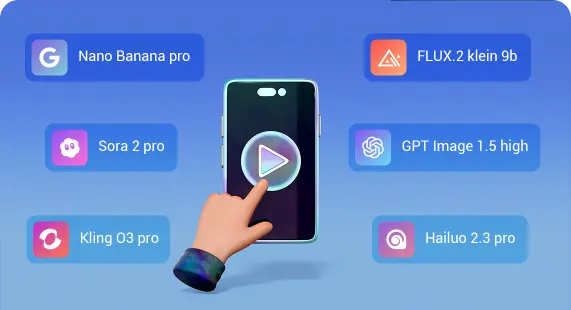
Picsman's AI video generator, powered by advanced models
such as Google Veo-3, OpenAI’s Sora 2, and Kling O3, can
easily create high-quality cinematic videos with
synchronized audio.
4. Can I use AI-generated videos commercially?
Yes, as long as you comply with our privacy policy, you
may use designs generated by Picsman for any purpose,
including personal or commercial projects. Please note
that it is your responsibility to ensure that your
AI-generated designs are suitable for commercial use.
This includes determining whether permission is required
to use artwork, photographs, trademarks, or logos.
Picsman does not guarantee the legality or suitability
of AI-generated images, designs, or text for any
specific use.
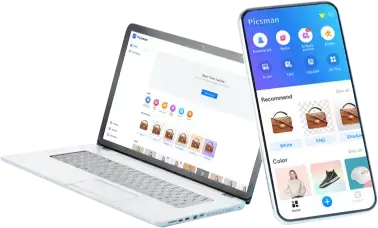
Get Picsman APP now
Download our mobile app and enjoy editing photos on the go —
anytime, anywhere.
We use cookies to provide you with better experience. By
continuing, you acknowledge that you have read,understood
and agreed our
Cookie Policy.
















FAQs About Picsman’s Video Watermark Removal
1. What is an AI video generator?
2. How do I make AI-generated videos?
3. What is the best AI video generator?
4. Can I use AI-generated videos commercially?